- A+

In order to share a printer, you need to install the printer driver. The printer driver is a special program that allows the computer to communicate with the printer. Here is how to share a printer driver:
Step 1: Install the Printer Driver.
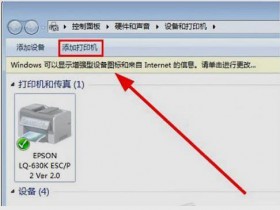
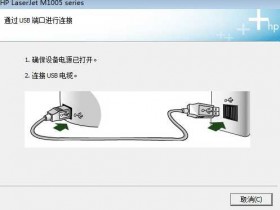
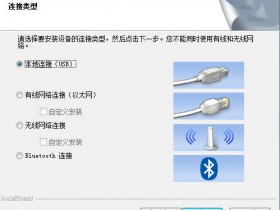
First, you need to make sure that the computer you are installing the printer driver on is connected to the same network as the printer. Once the connection is established, you need to install the printer driver. Depending on the type of printer you have, the installation process may be slightly different.
Step 2: Set Up Printer Sharing.
Once the printer driver is installed, you need to enable printer sharing. To do this, you need to open the Printers window and right-click the printer you want to share. Select the “Sharing” option from the menu and check the “Share this printer” box.
Step 3: Set Permissions.
The last step is to set permissions. You can specify which users have access to the printer, and what they are allowed to do. This includes setting print, scan, and copy permissions. Once you are done, click “Apply” to save the settings.
Now that the printer driver has been shared, other users on the network can use it. They will need to install the driver on their computers and they should be able to use the shared printer.
Sharing a printer driver allows multiple users to use the same printer, instead of having one printer for each user. This can be useful for shared offices or for households with multiple users. With the right setup, it can be a great way to increase efficiency and save time.
- 在线微信客服
- 加18915735256 在线装驱动
-

- 我的微信公众号
- 我的微信公众号扫一扫
-